






Slack Alternatives: 15 Best Apps for Communities and Communication
Global revenue in the Productivity Software sector has been growing steadily and is expected to hit $88.59 billion by 2029. The reason? Productivity.
When productivity and collaboration are strong, processes run smoothly and results improve. When these are lacking, it impacts all areas of your business negatively.
So it's no surprise that many companies invest in tools that help boost these aspects. Slack is one of the most popular options. But is it right for every company? While it works well for some, it might not fit all teams best.
What Does Slack Do Well?
Team communication. Slack offers a chat platform for real-time communication through chat, calls, or video. Users can create channels for specific topics for structured collaboration.
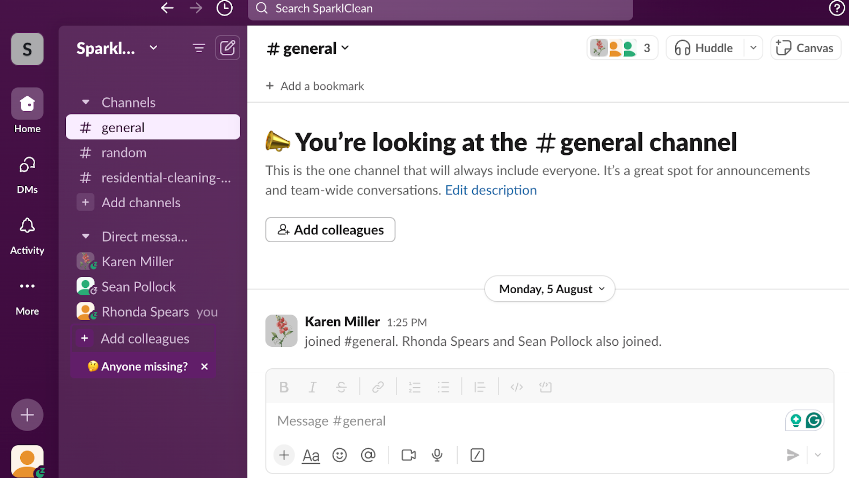
Cross-workspace collaboration. Teams can use Slack Connect to communicate with external partners through shared channels across different workspaces.
Extensive integrations. Slack connects with over 2,600 tools and apps, making it easier to work together and share information across platforms.
Workflow automation. Slack's Workflow Builder allows teams to automate repetitive tasks.
Where Slack Falls Short
File management. Slack's file-sharing features depend heavily on integrations with other tools, leading to files spread across various platforms.
High cost. Slack's paid plans charge per user every month. For small teams or startups, this can become expensive quickly since each member adds to the cost.
Community management. Slack lacks advanced community monitoring features, making it hard for community managers to engage with members and moderate conversations in larger communities.
Customization. You can only adjust features already within Slack's interface. There's no way to add custom pages or capabilities like activity feeds or help centers.
Long-form content. Slack lacks built-in features for sharing long-form content effectively. You'll need extra tools and platforms.
15 Best Slack Alternatives
1. Bettermode
Bettermode is a no-code platform that lets you build a fully branded community and collaboration space tailored to your exact needs. Instead of being locked into a rigid structure, you pick the elements that make sense for your team—discussion boards, help centers, blogs, direct messaging—and bring them together in one place. Your team can collaborate, share knowledge, and engage with your audience all within a single app.
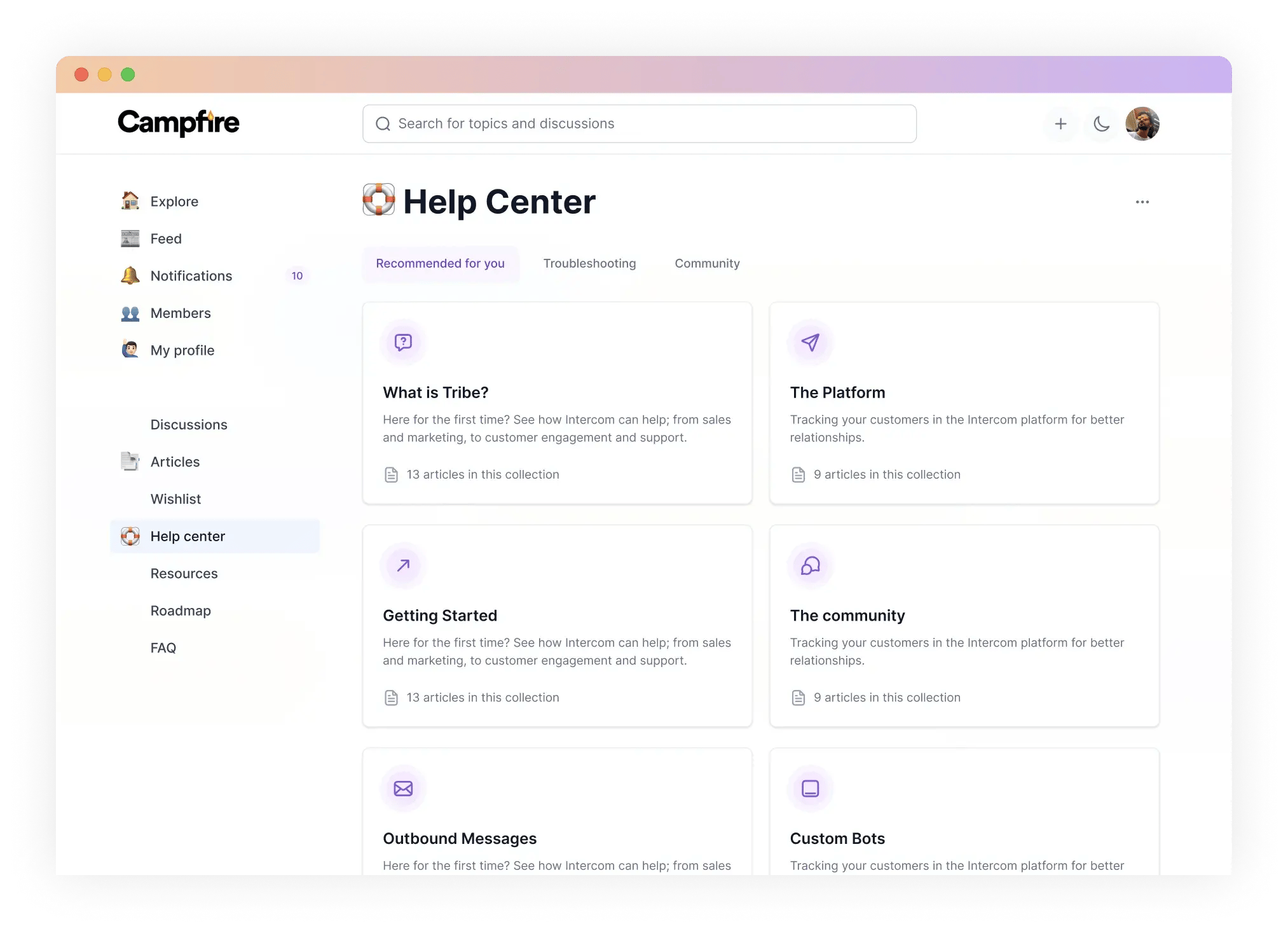
The platform comes with a built-in CMS, so managing content is straightforward. You can create public or private communities, set up member profiles that display activities and roles, and use moderation tools to keep conversations on track. The activity feed surfaces relevant content, and members can vote, comment, and share posts. If discoverability matters, there's an SEO-friendly option for open communities. Analytics give you insight into member activity, and integrations with over 3,000 apps mean it plays nicely with your existing stack.
2. Microsoft Teams
A major platform for messaging, video meetings, and file sharing. The full version comes with Microsoft Office 365 plans.
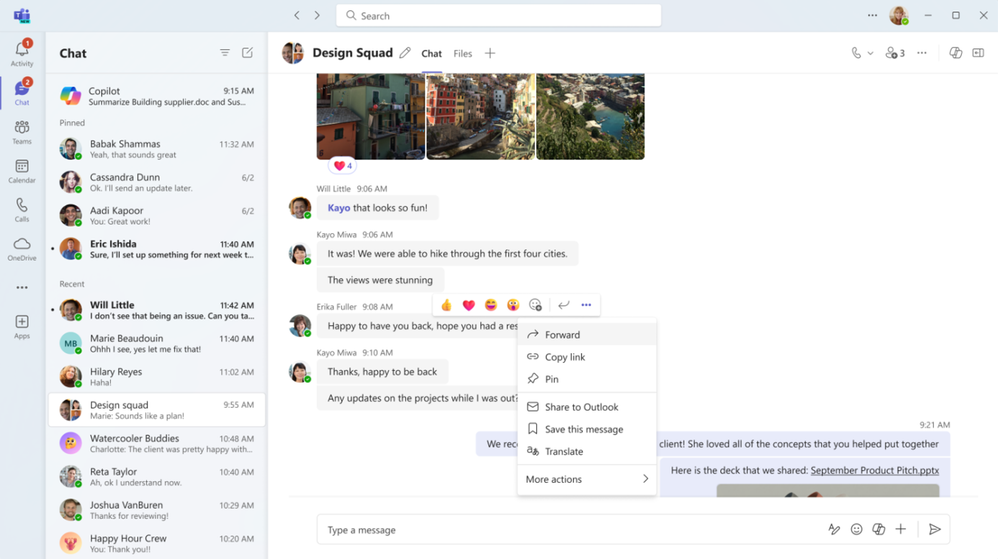
Key features:- Video calls and conferences with screen sharing- Deep integration with Microsoft tools- Over 600 integrations with non-Microsoft tools- End-to-end encrypted messages
Limitation: Lacks advanced community management features or built-in options for long-form content.
3. Google Chat
A platform for team communication through group and direct messages, readily available to Google Workspace users.
Key features:- Dedicated chat dashboard- Powerful search feature- Connects to Matrix servers for cross-platform chat- Google Calendar integration
Limitation: Additional features are primarily helpful for teams already using Google products.
4. Chanty
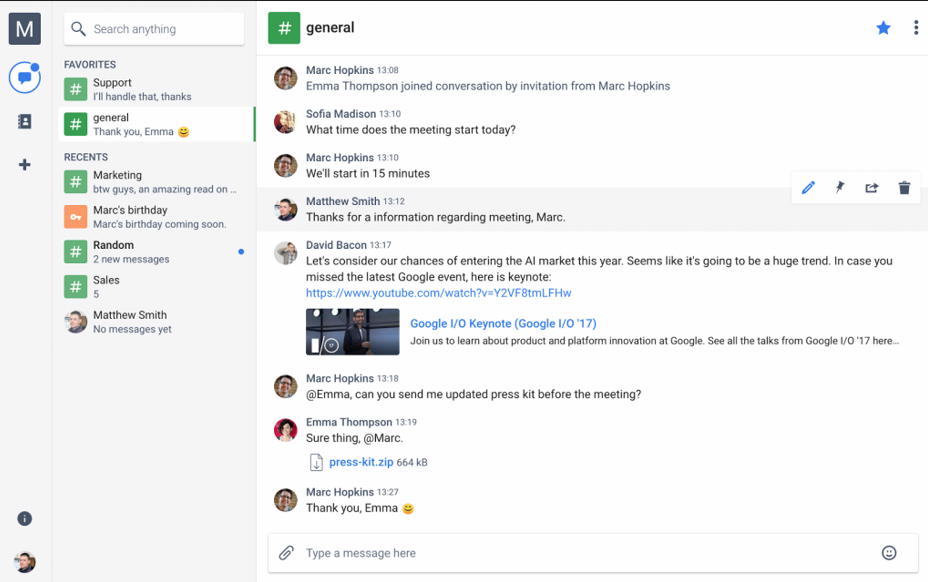
Chanty offers many of the same collaboration features as Slack but at a lower price point. You get real-time public and private channels, direct messages, file organization, and task assignment. The business plan comes in at just $3 per member compared to Slack's $8.75, which makes it appealing for budget-conscious teams. The trade-off is that you can't fully customize the platform to fit very specific needs.
5. Mattermost
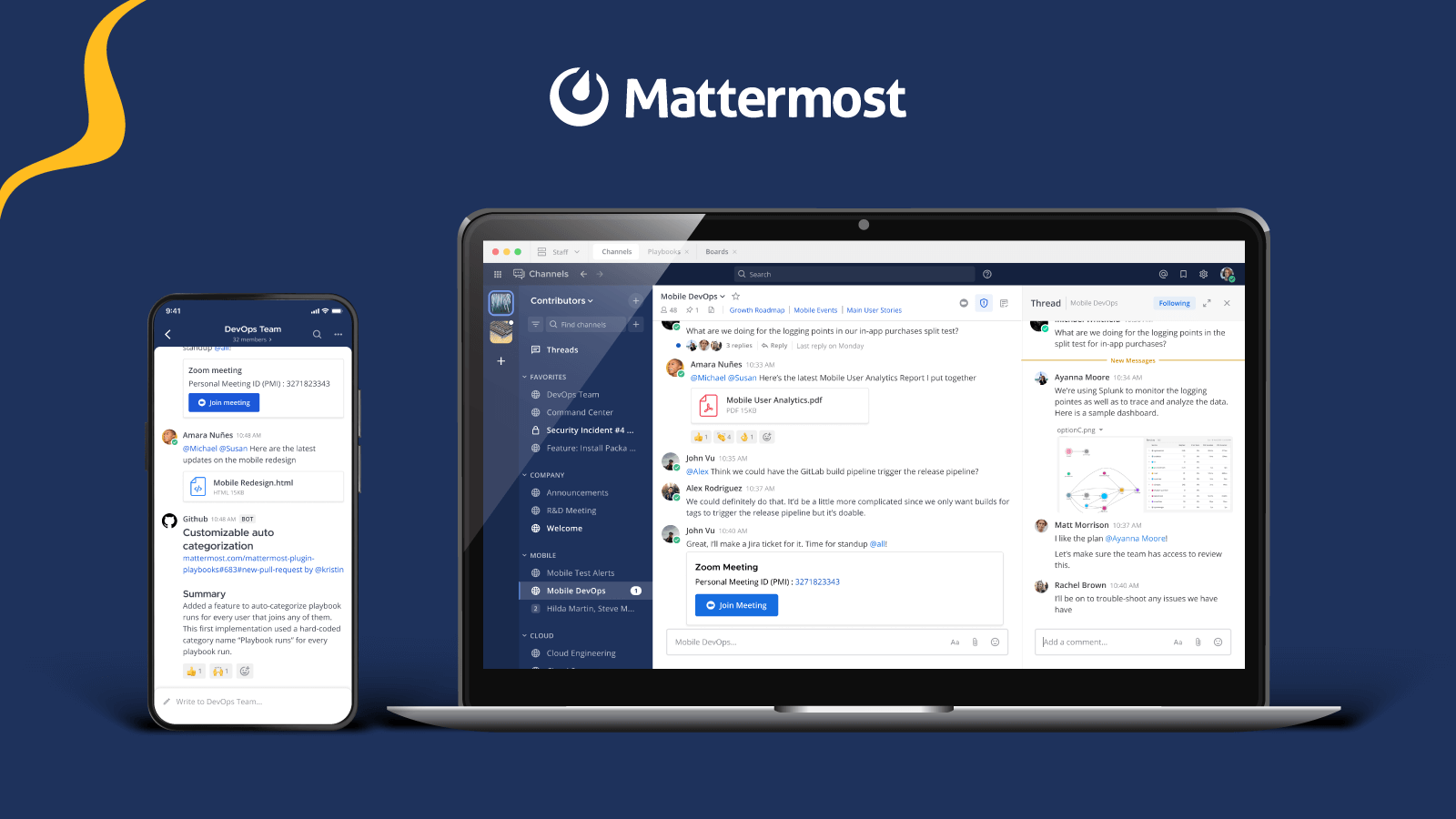
Mattermost is an open-source messaging app built with developers in mind. It includes workflows that let you track projects from planning through deployment, plus integrations with tools like GitHub and Jira. There are private and public channels, threads and comments, and options for one-to-one or group messaging. Self-hosted plans start free, and the SaaS version runs $10 per user per month. It's a strong choice for technical teams that want more control over their communication platform.
6. Fleep
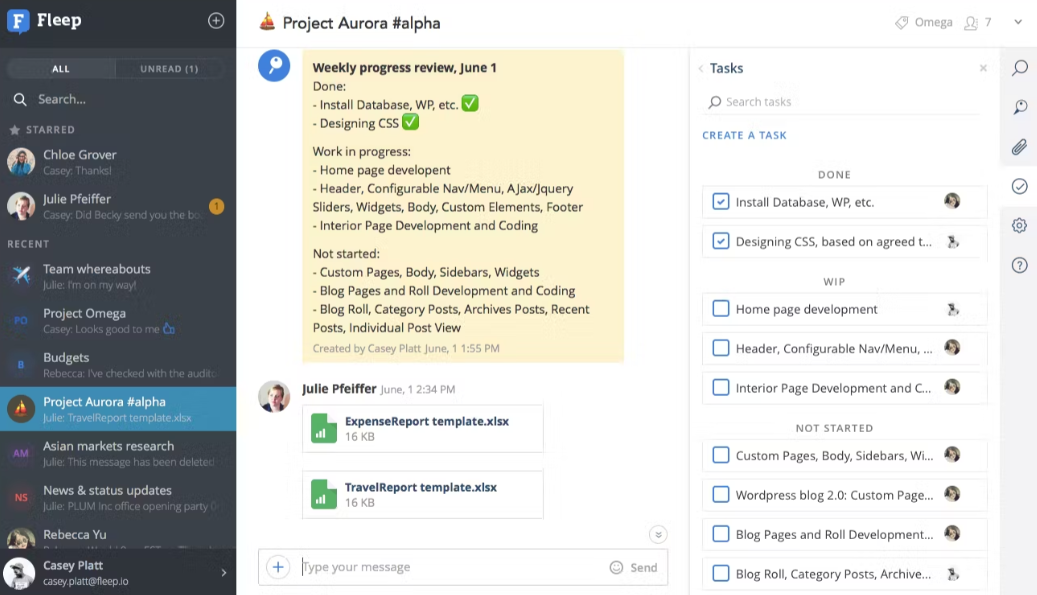
Fleep is a collaboration tool with a unique twist—you can communicate with other Fleep users outside your organization, which is handy for cross-company projects. The Fleep Pinboard lets you pin important messages so they don't get buried, and there's built-in task management along with audio and video calling. The free version includes unlimited messages, and the business plan is just €5 per month.
7. Ryver
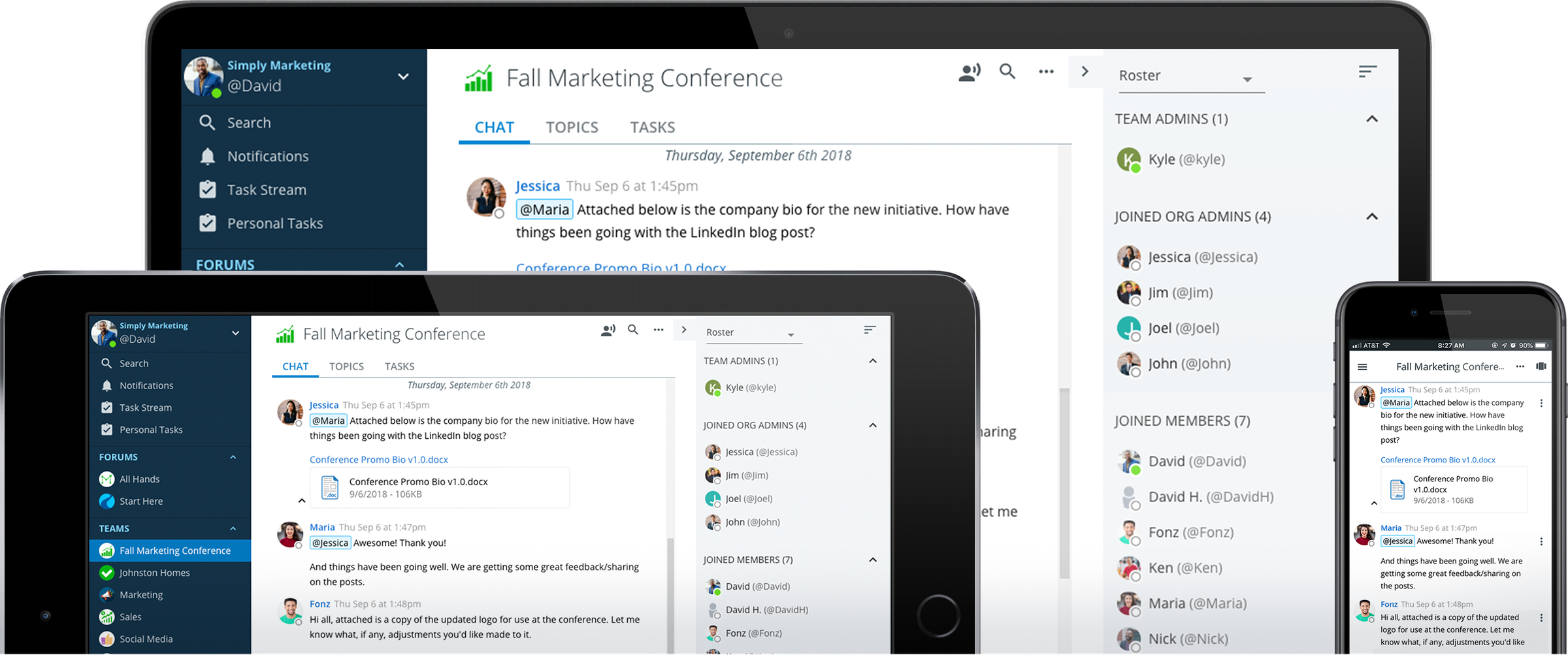
Bundles task management features in its workforce collaboration tool. Ryver bundles task management directly into its collaboration tool, so you're not juggling separate apps. You get unlimited tasks with checklists, forums and groups for organizing topics and teams, plus voice and video calls with screen sharing. Pricing starts at $69 per month for up to 12 users, which makes it a flat-rate option rather than per-seat pricing.
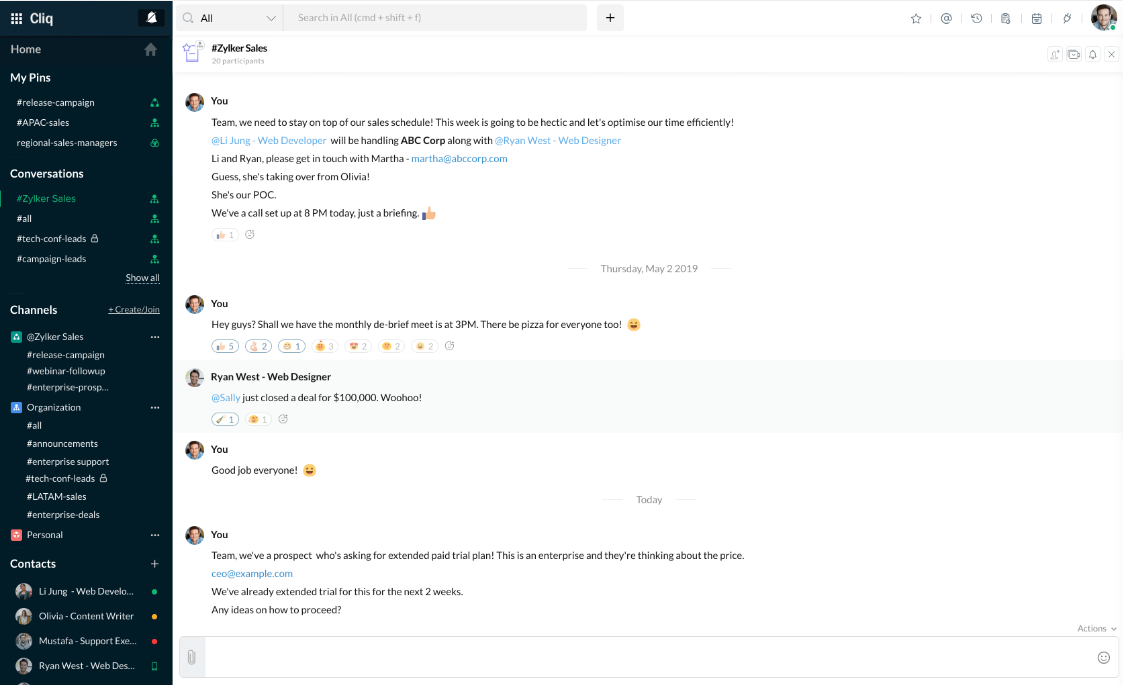
8. Zoho Cliq
Zoho Cliq is especially attractive if you're already using other Zoho products, though it stands on its own as a solid communication tool. Conversations are searchable, video and audio calls work across devices, and you can view tasks and schedules right in the app. Custom-built bot automations and message scanning with follow-up suggestions add some smart functionality. There's a free version, and paid plans start at just €1.80 per user per month.
Communication software especially attractive to people who already use other Zoho products.
9. Discord
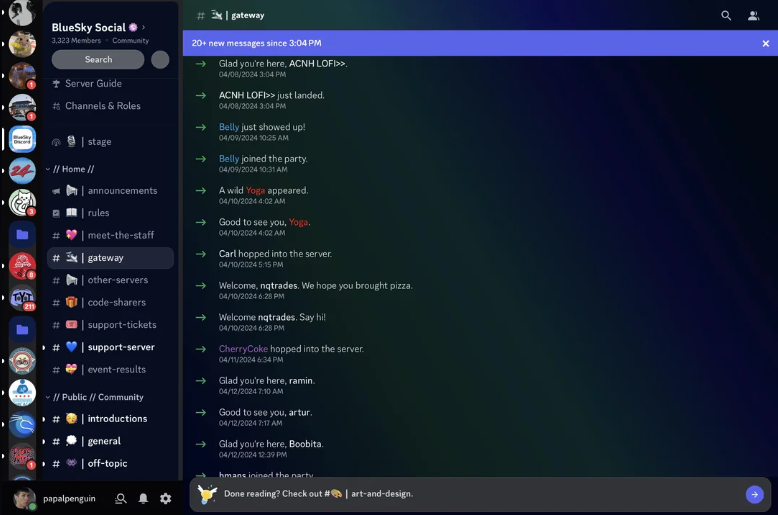
Discord started as a communication platform for gamers, but it's increasingly finding a place in work settings. Creating channels for different topics is easy, the voice functionality is excellent with features like push-to-talk, and Stage Channels allow for live audio broadcasts. Video and audio calls are solid too. The main limitation is that features still lean toward social groups and gaming communities, and there are fewer third-party business integrations compared to purpose-built work tools.
10. Twist
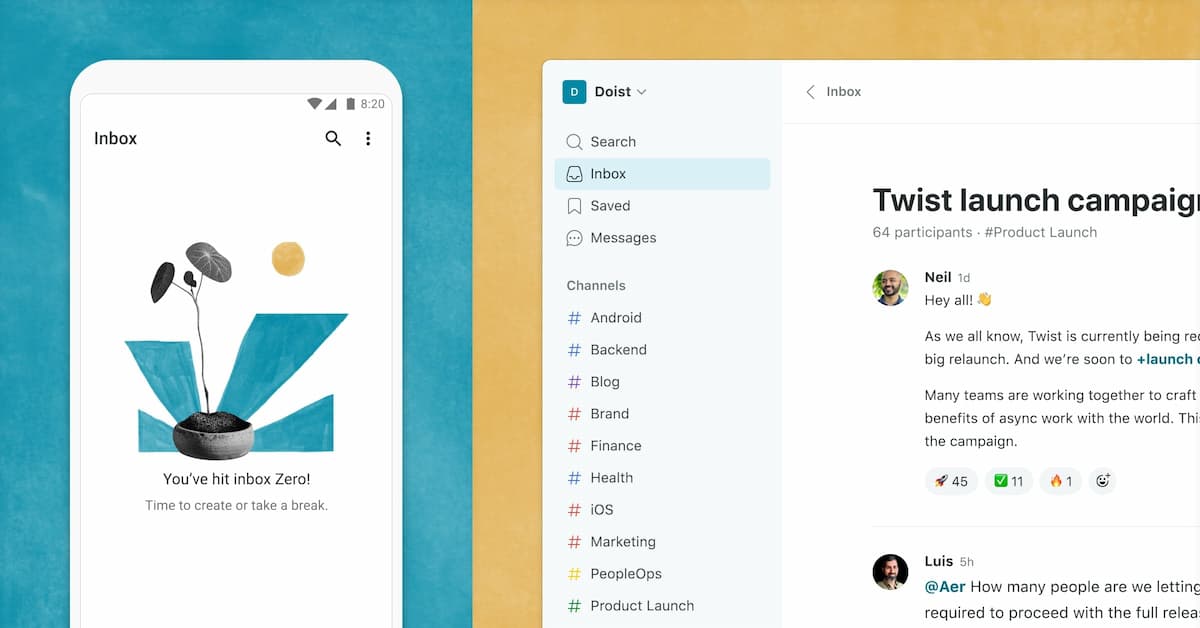
Twist positions itself as a distraction-free space for teamwork, with a strong emphasis on asynchronous communication. The thread feature comes with selective notifications so you're not constantly interrupted, and the inbox feature helps you catch important messages without wading through noise. Granular notification controls with daily scheduling give you more control over when you're pulled into conversations. There's a free plan with one month of history, and paid plans are $6 per user.
11. Troop Messenger
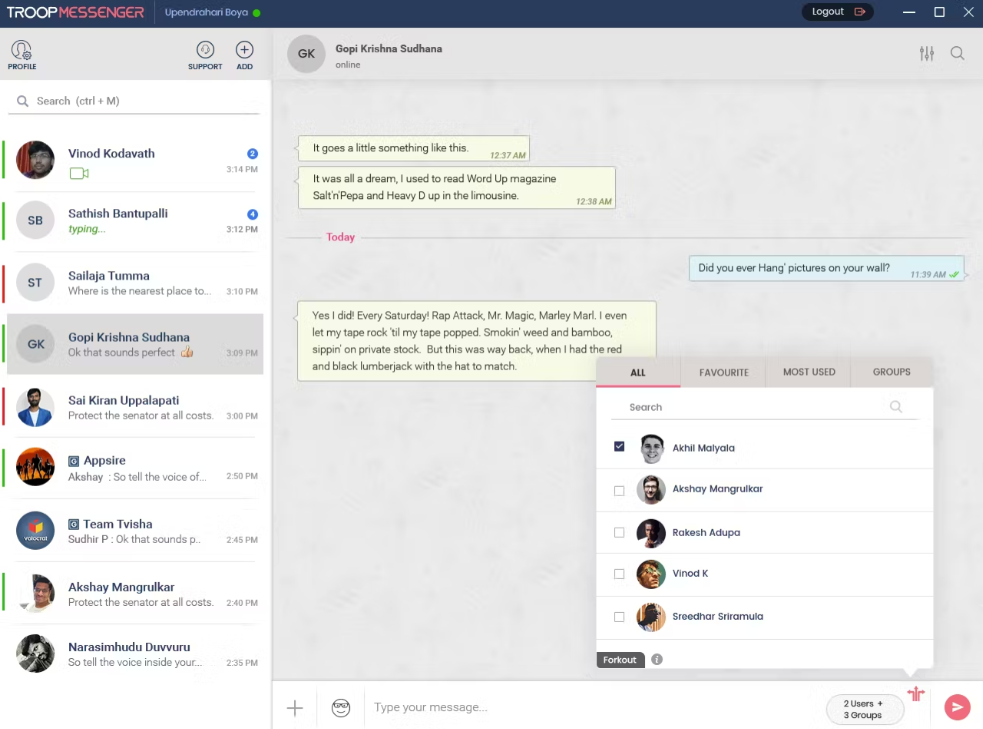
Troop Messenger is a team communication tool with some interesting features you won't find elsewhere. Burnout creates a confidential chat window where messages auto-delete. Forkout lets you send messages to multiple users or groups at once. There's also a respond-later feature for flagging messages you want to circle back to. Pricing is competitive at $2.50 per user per month for premium, or $5 for the advanced plan.
12. HighSide
HighSide is built for organizations where security is paramount—think enterprises and government agencies. It offers access restrictions based on location or device, time-limited file downloads, and secure file sharing alongside voice and video calling. The business plan runs $12 per user per month, with an enterprise tier at $20. If security requirements are non-negotiable, HighSide is designed with that in mind.
13. Webex
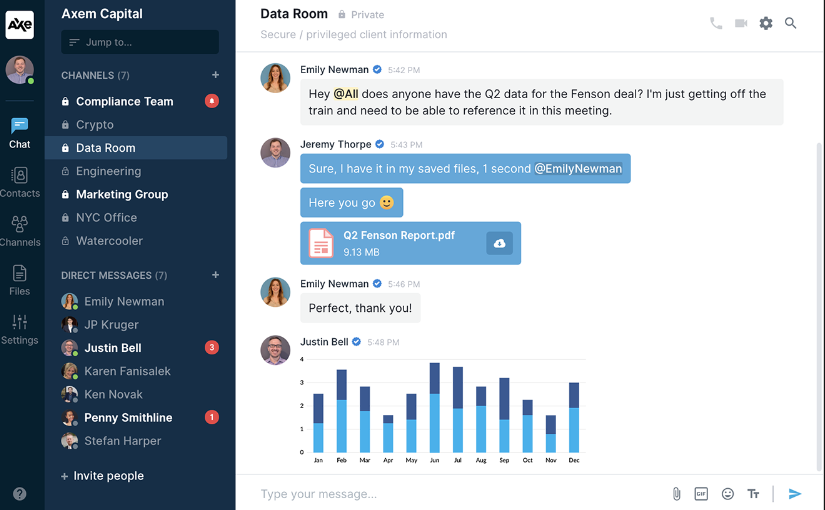
Webex is known for powerful video conferencing, but it's a full workforce communication tool. You can collaborate on Microsoft Office documents right within the platform, and meetings get automatic transcription. Gesture recognition lets participants share quick opinions without unmuting, and audio enhancement removes background noise. There's a free basic plan, with paid options starting at $12 per user per month.
14. ProofHub
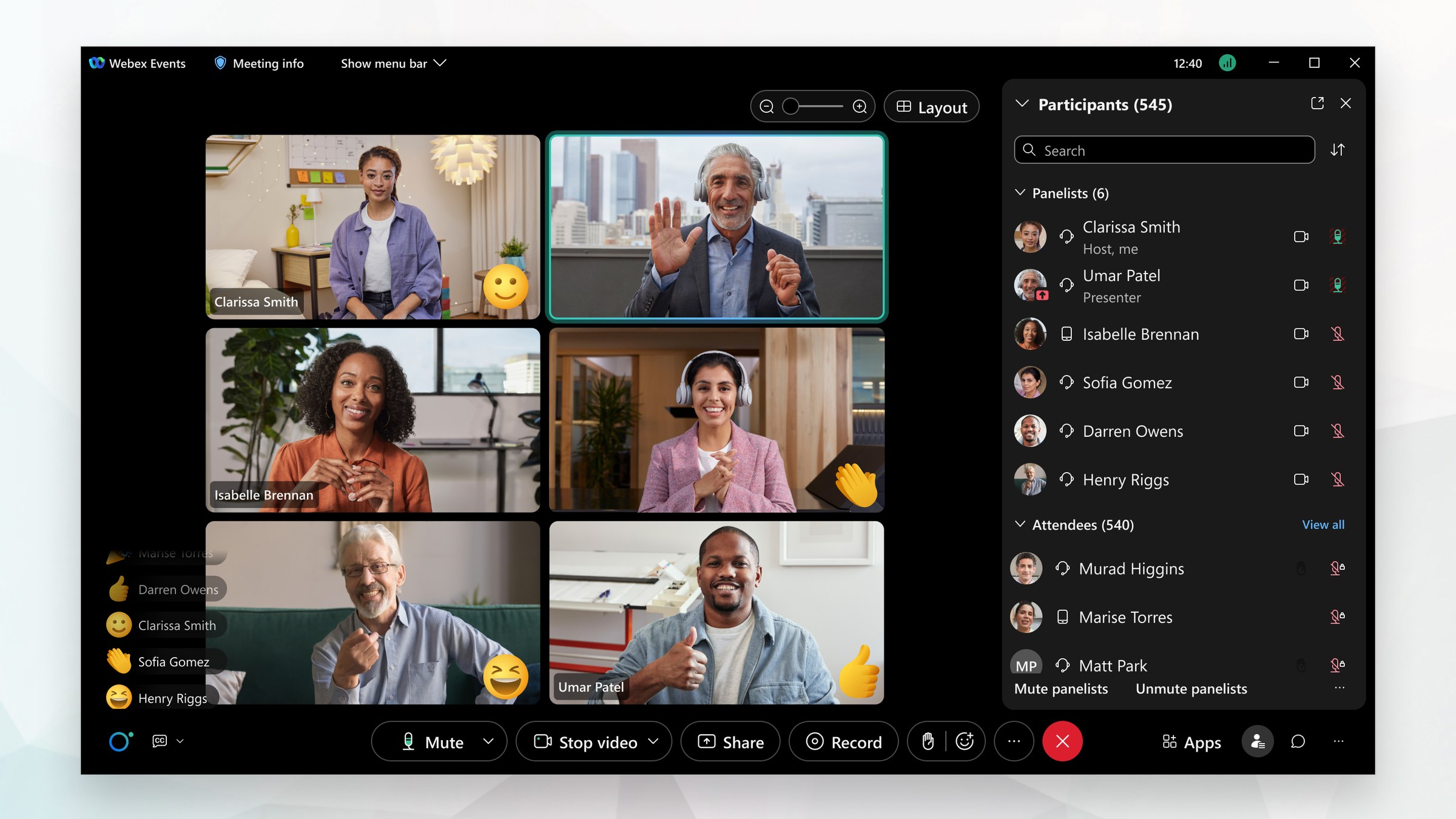
ProofHub combines project management and workplace collaboration in one tool. You get instant messaging, discussions, groups, and mentions for communication, plus Gantt charts for visualizing projects and workflows with multiple stages. The proofing features with markup tools are particularly useful for creative teams reviewing work. Pricing is a flat monthly fee—$45 for Essential or $89 for Ultimate Control—with unlimited users included.
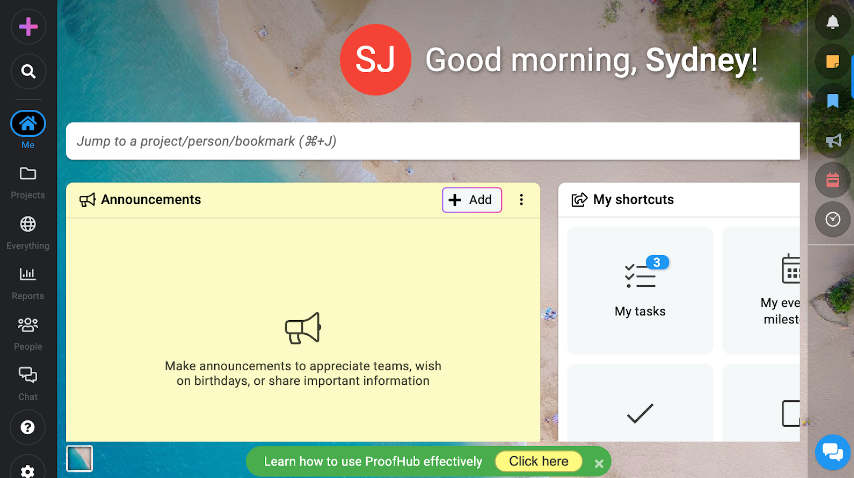
Key features:- Instant messaging, discussions, groups, and mentions- Gantt charts for project visualization- Workflows with multiple stages- Proofing features with markup tools
Pricing: Flat monthly fee: Essential at $45/month, Ultimate Control at $89/month (unlimited users).
15. Flock
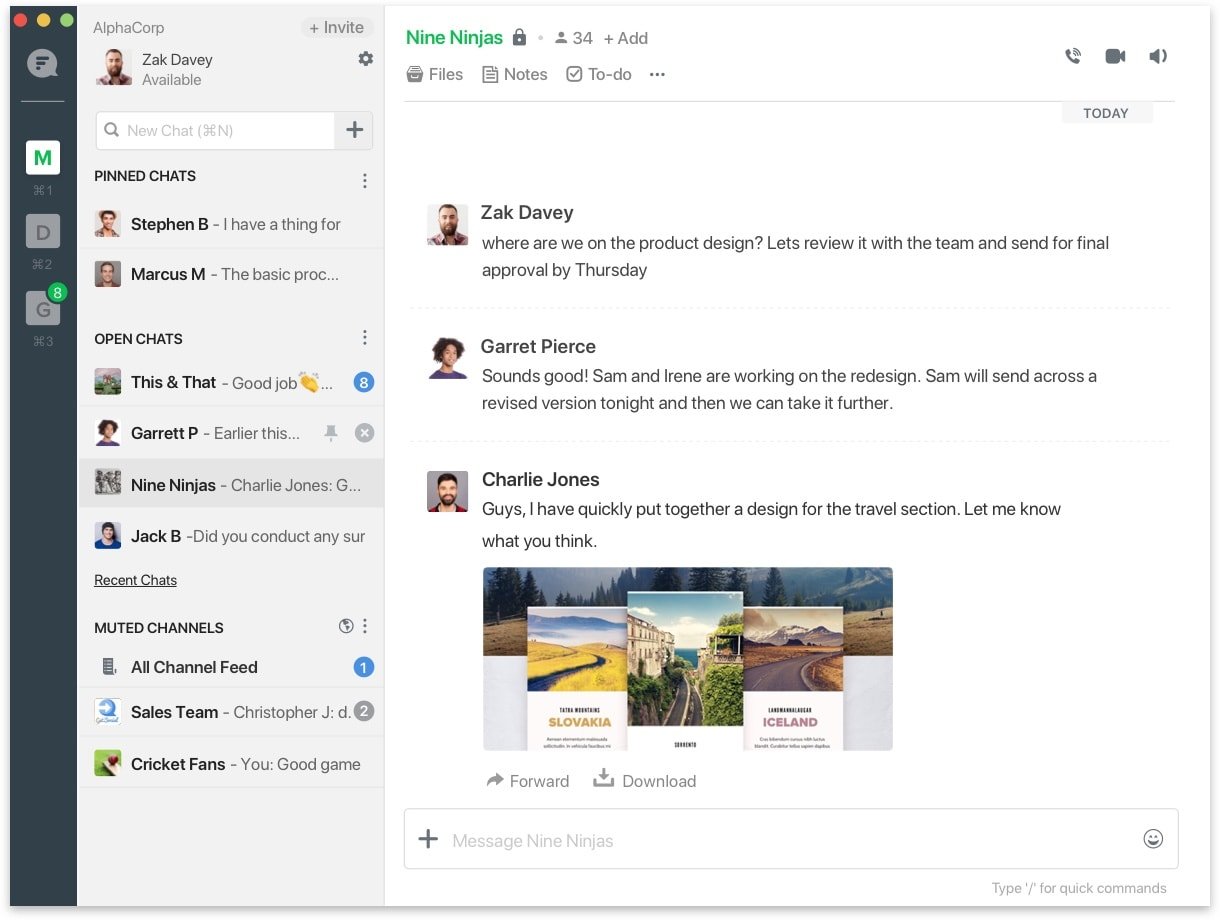
Flock is a communication tool that includes voice notes for quick replies when typing feels like too much. There are channels for teams and topics, video calls and conferences, plus notes, to-do lists, and reminders built in. Integrations with Asana, Zapier, and Google Calendar extend its functionality. A free plan is available, and Pro runs $4.50 per user per month.
Comparison Table
Choosing the Right Alternative
The best Slack alternative depends on your needs. Think about which features are most important:
- For communities: Bettermode offers customizable community features Slack lacks
- For Microsoft users: Microsoft Teams integrates deeply with Office 365
- For Google users: Google Chat works seamlessly with Google Workspace
- For developers: Mattermost offers specialized features and open-source flexibility
- For budget-conscious teams: Chanty and Zoho Cliq offer lower per-user pricing
- For security-focused organizations: HighSide provides enterprise-grade security
Community platforms designed for B2B SaaS—like Bettermode—provide what Slack can't: customizable community spaces, moderation tools, SEO-friendly open communities, and comprehensive analytics.
Ready to build a community platform that fits your needs? Get started with Bettermode.
FAQs
Is there anything better than Slack?
Slack is a good team communication app, but it falls short on advanced file management, customization, and community management features. If those are important to you, consider alternatives like Bettermode.
What is the Google equivalent of Slack?
Google Chat is the Google equivalent of Slack.
Who are the competitors of Slack?
Some of Slack's top competitors are Bettermode, Microsoft Teams, Google Chat, Chanty, and Discord.
When should I choose a community platform over Slack?
Choose a community platform when you need advanced moderation tools, SEO-friendly open communities, customizable layouts, member profiles, gamification, or long-form content management. Slack works best for internal team communication; community platforms work best for customer communities.
Jacob Downey
Demand generation at Bettermode. Writes about community as a growth channel, from the person running it.