






 Owned answers and AI visibility
Answers that stay public for the next builder
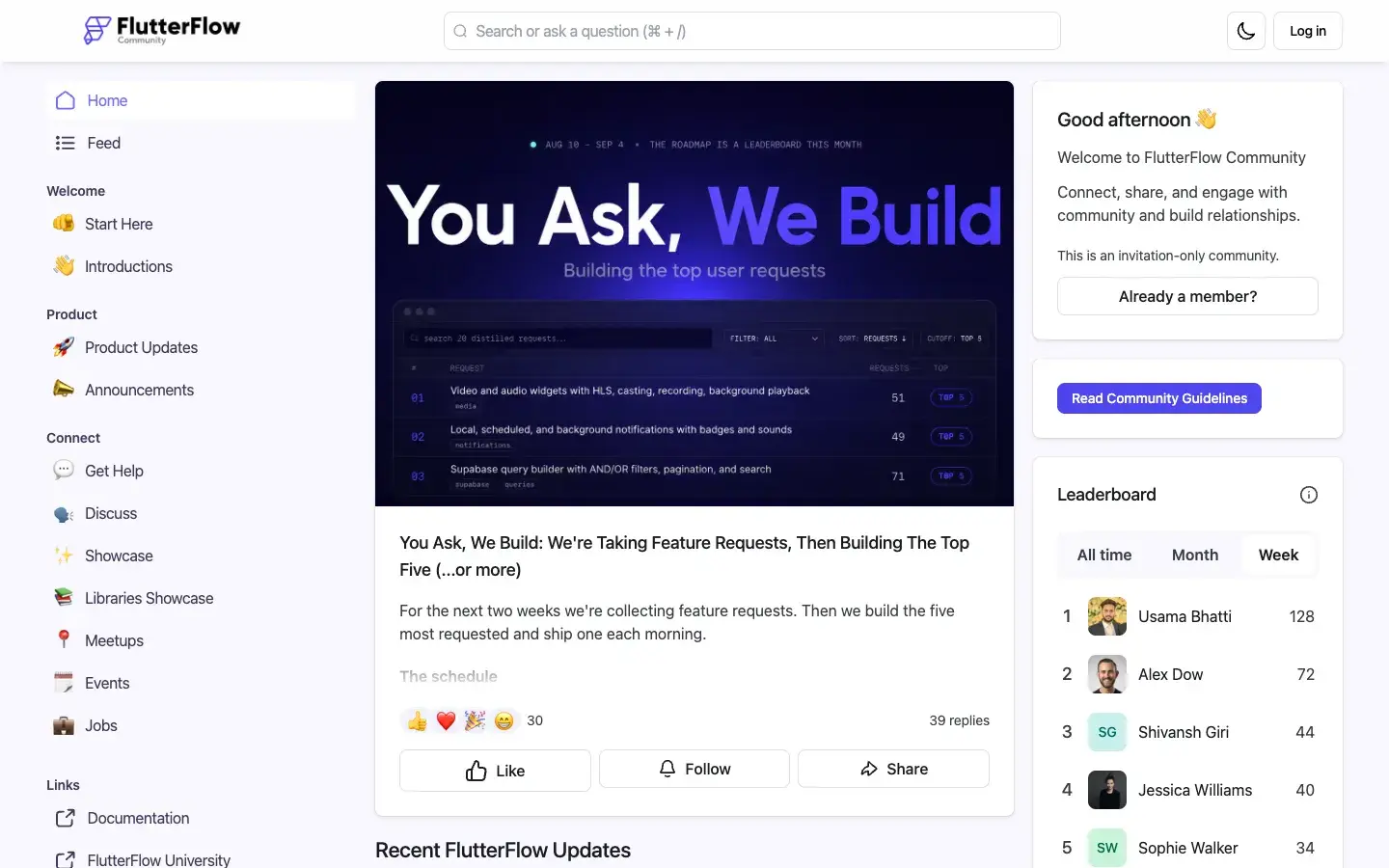
Before Bettermode, Xano tried Vanilla, Discord and Discourse. None gave a technical audience the custom sections and integrations it needed, and Xano chose Bettermode after seeing FlutterFlow’s community run on it. The move took about a month, content migration and single sign-on included, so members sign in with their Xano accounts.
The Discuss space is where builders bring problems and fixes, from a member’s reference implementation for Google and LinkedIn sign-in to a question about password checks failing on older accounts. Each one stays up as a page the next person with the same problem can find.
“Each time a question is answered in the community, it reduces direct support requests and creates a lasting resource for future reference.”
Xano keeps the hub open to visitors who haven’t signed in, on purpose. The answers that spare a current user a support ticket also reach people still deciding whether to build on Xano. For the most common questions, the team added an AI chatbot, Ask AI.
 Product launches
Release notes and the roadmap in one place
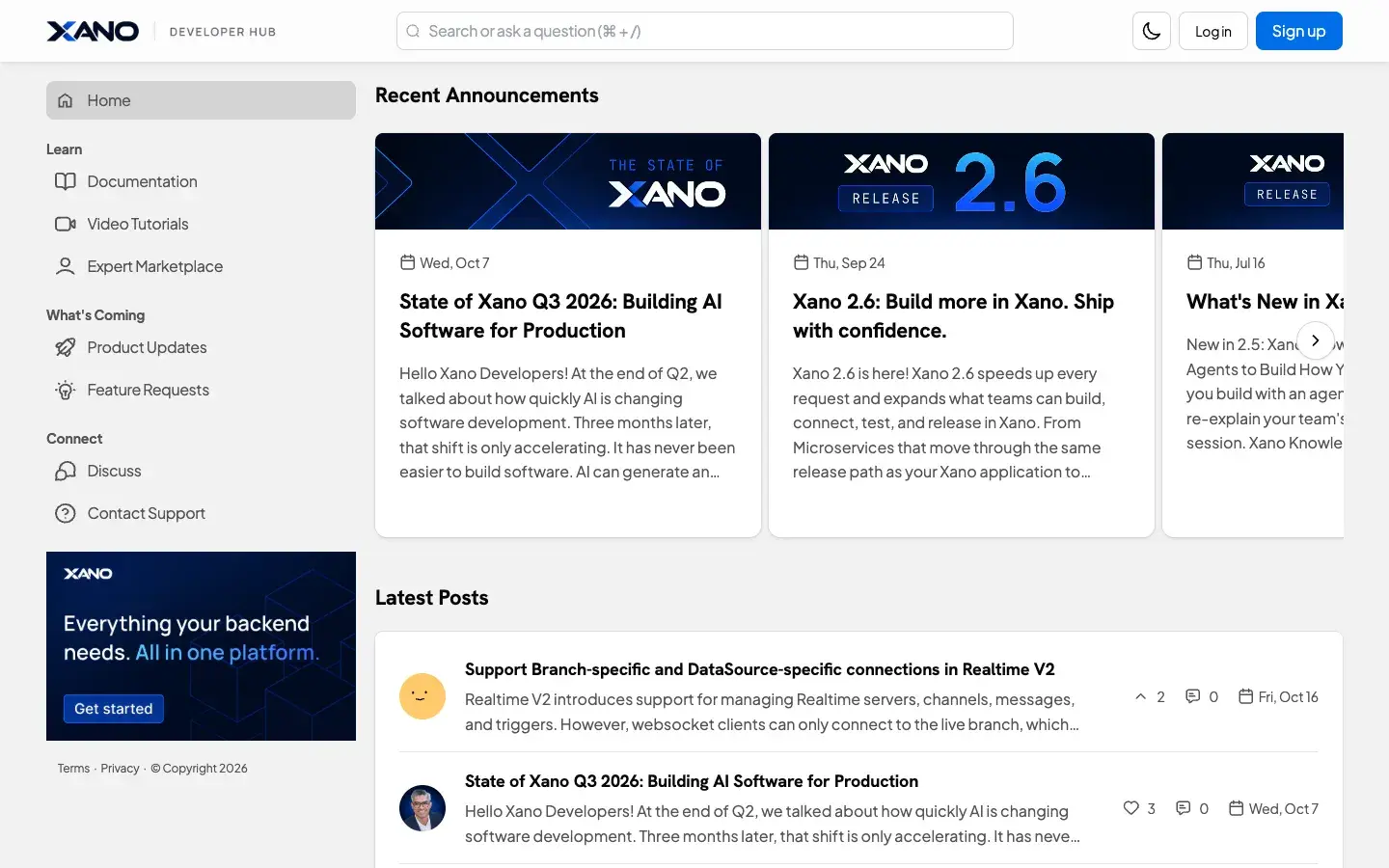
Product Updates is where Xano’s own team posts. Entries run from release notes to the CEO’s quarterly State of Xano letter, which ends by thanking members for the feedback that shapes the platform.
A click away, Feature Requests is where members tell Xano what to build next, and where they watch it happen. The most wanted ideas rise to the top on their own, and a member who asked for something can follow it from Requested to Delivered.
“User feedback is huge for us, and we review every single request when planning our roadmap.”
-
Product updates
Release notes and the quarterly State of Xano letter, posted by the team.
-
Feature requests
Members submit ideas, vote and comment, then follow each one’s status.
-
Status you can filter
Popular, Trending, Under Consideration and Delivered views of one board.
-
Search before you post
The board asks members to look for an idea first, so votes pile onto one thread.
 Retention and expansion
Learning built in, from first build to power user
The hub’s Learn section links Xano’s documentation, video tutorials and expert marketplace from the sidebar. Xano’s story describes a knowledge base that pulls in tutorials and new uploads from its YouTube channel automatically, so nobody reposts them by hand.
Xano made a game of it too, so learning the product and helping other builders both earn something. And because beginners and power users each get a private space, Xano’s team has a direct line to both ends of its user base for targeted feedback.
-
Knowledge base
Tutorials, articles and YouTube uploads gathered in one place.
-
Community challenges
Coding prompts with videos, and a custom badge for each one completed.
-
Leaderboard
Points for contributions, so helpful members get seen.
-
Private focus groups
Spaces for beginners and power users to work with Xano’s team.