






 Owned answers and AI visibility
One space per product, so answers sit where customers look
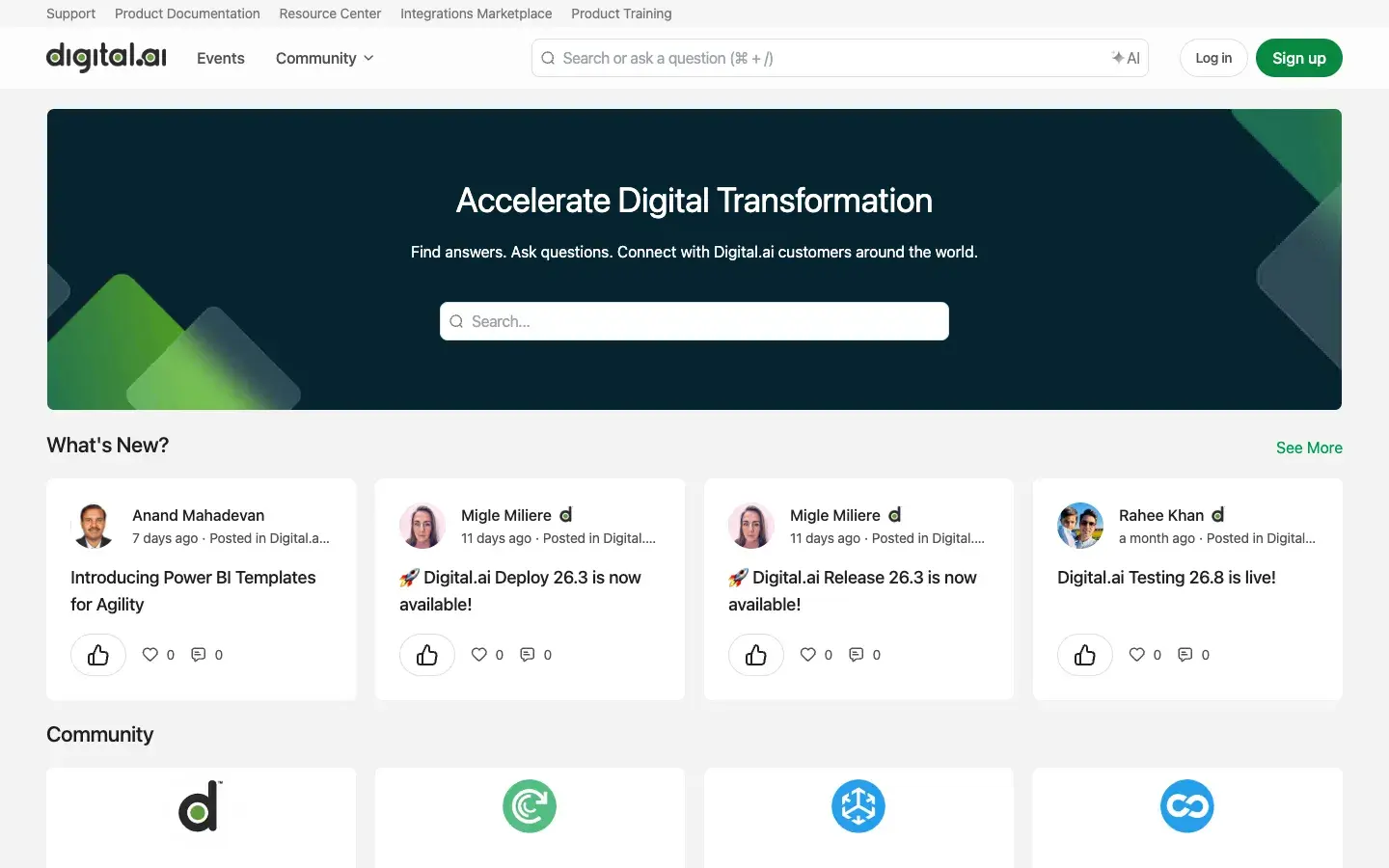
The home page opens on a single line: find answers, ask questions, connect with Digital.ai customers around the world. Under it, every product has its own space: Digital.ai Platform, Agility, Release & Deploy, Testing, Application Security, Intelligence and TeamForge. A customer working in Agility never wades through testing threads to find their answer.
The community also sits inside Digital.ai’s wider support setup. The top bar links support, product documentation, the resource center, the integrations marketplace and product training. Inside a product space, Open a Ticket and the docs are one click from the discussion, so a question that needs the support team gets there without starting over.
-
Product spaces
A space for each Digital.ai product, with its own Q&A and discussions.
-
Public Q&A
Questions and answers readable without signing in.
-
Open a ticket
Support and documentation links inside the product spaces.
-
Agile.ai
A space about agile culture and careers, beyond any single product.
 Product launches
Release news lands in the product’s own space
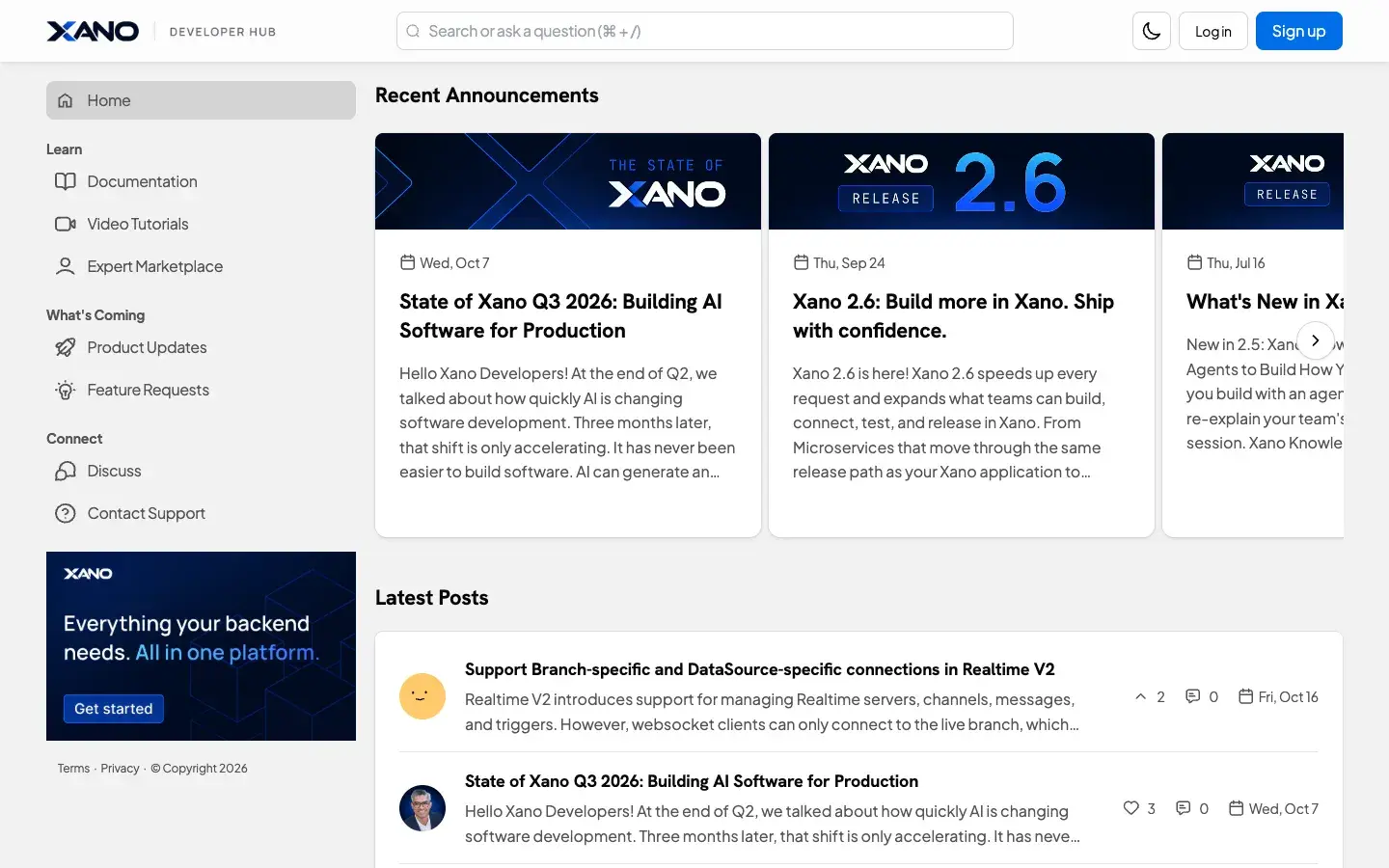
Digital.ai’s product teams post releases where their users already are. Release notes for Release and Deploy go up in Release & Deploy and Testing’s go up in Testing, while Agility has carried a set of Power BI report templates. A What’s New row on the home page pulls the newest to the top.
The posts read like release notes written for the people who’ll do the upgrade. A Deploy release post lists what’s new, the plugins that changed and the breaking changes that need action. The Power BI post explains what each template shows and why delivery data never leaves the customer’s own environment. Feedback runs the other way through a Community Feedback space, and for products like Agility and Release & Deploy, a link to Digital.ai’s IdeaSpace for feature requests.
 Retention and expansion
From getting started to getting more out of it
Inside a product space, posts follow a customer from setup to advanced use. Agility, Release & Deploy and Testing each have tabs for Getting Started, Learning the Product, Accelerating Value and Webinars. Recorded sessions sit on the home page too, from Agility roadmap sessions to tips for product managers who want to deliver value faster.
New members have a Say Hello space to introduce themselves, and Contact Us explains how to reach Digital.ai when the community can’t solve it. Customers learn and ask in the same place, and escalate from it when they need to.
-
Getting started
A tab for new users in spaces like Agility and Testing.
-
Learning the product
How-to posts grouped by product, beside the questions.
-
Accelerating value
Posts for customers ready to do more with what they own.
-
Recorded webinars
Roadmap sessions and tips, kept on demand.