






 Retention and expansion
Onboarding that happens live, every week
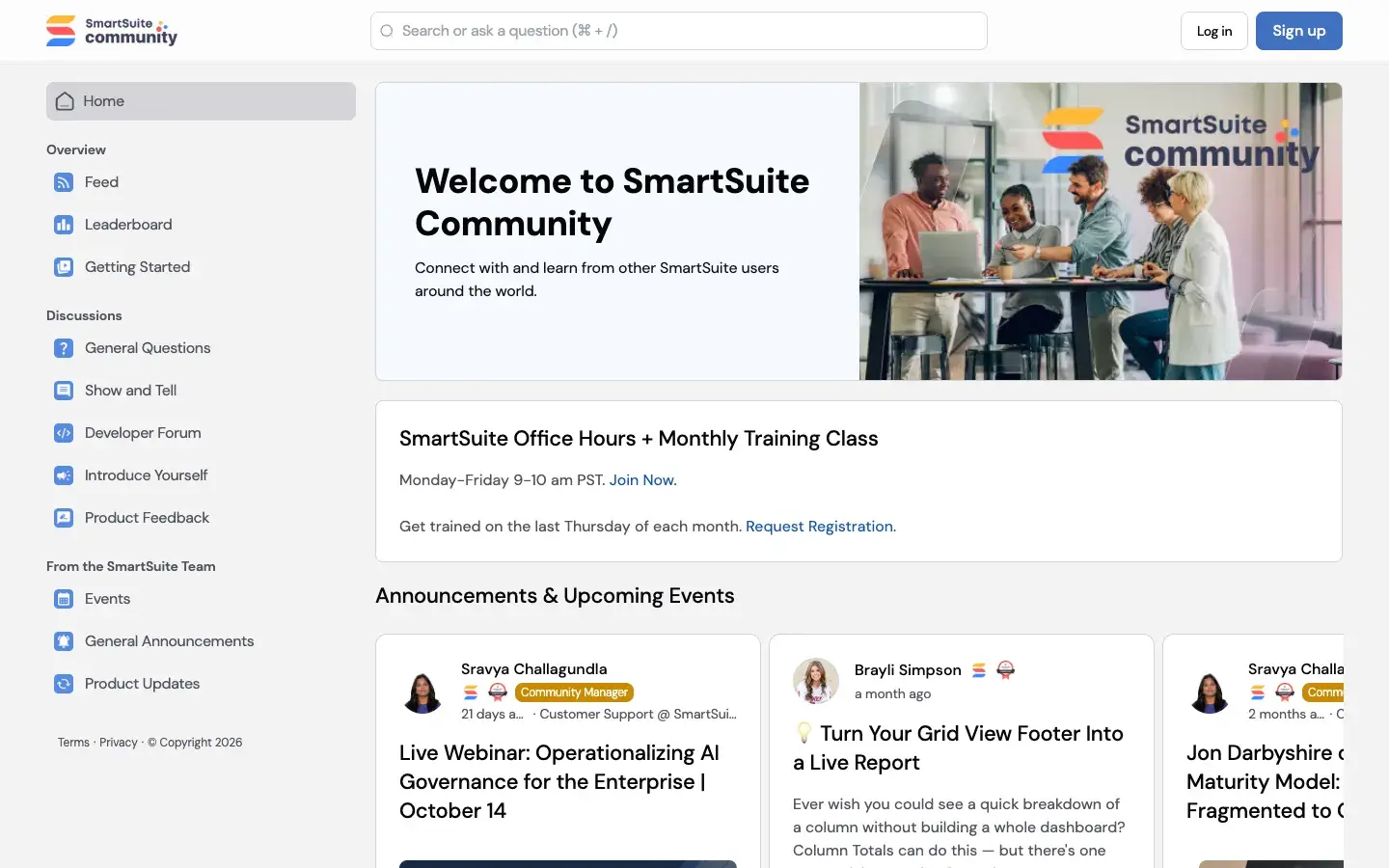
SmartSuite puts training at the top of its community. The first card on the home page invites members to drop into office hours with the onboarding team and to register for the monthly training class. The Events space spells out the rest: office hours several days a week, a getting started workshop every other Tuesday and a monthly class that can end with SmartSuite certification, free.
New arrivals find Getting Started and Introduce Yourself in the sidebar, and a leaderboard ranks the members who show up most.
-
Office hours
Live help from the onboarding team, several days a week.
-
Getting started workshop
A bi-weekly session for teams setting up SmartSuite.
-
Monthly training
Fundamentals for beginners and developing users.
-
Free certification
Members can become SmartSuite Certified at no cost.
 Events that keep working
Webinars with a home before and after the day
The Events space lists what’s coming up and what’s already happened, like a live webinar with KPMG US on putting AI governance into practice at enterprise scale. Past sessions stay posted in the community, from a webinar on what’s new in SmartSuite with founder and CEO Jon Darbyshire to sessions on automations and AI workflows.
Conferences get the same treatment. Before the GRC Conference 2026 in San Diego, members got an invitation to meet the team there. Afterwards, a post recapped Jon Darbyshire’s talk on the GRC maturity model.
 Product launches
Every release posted, every request counted
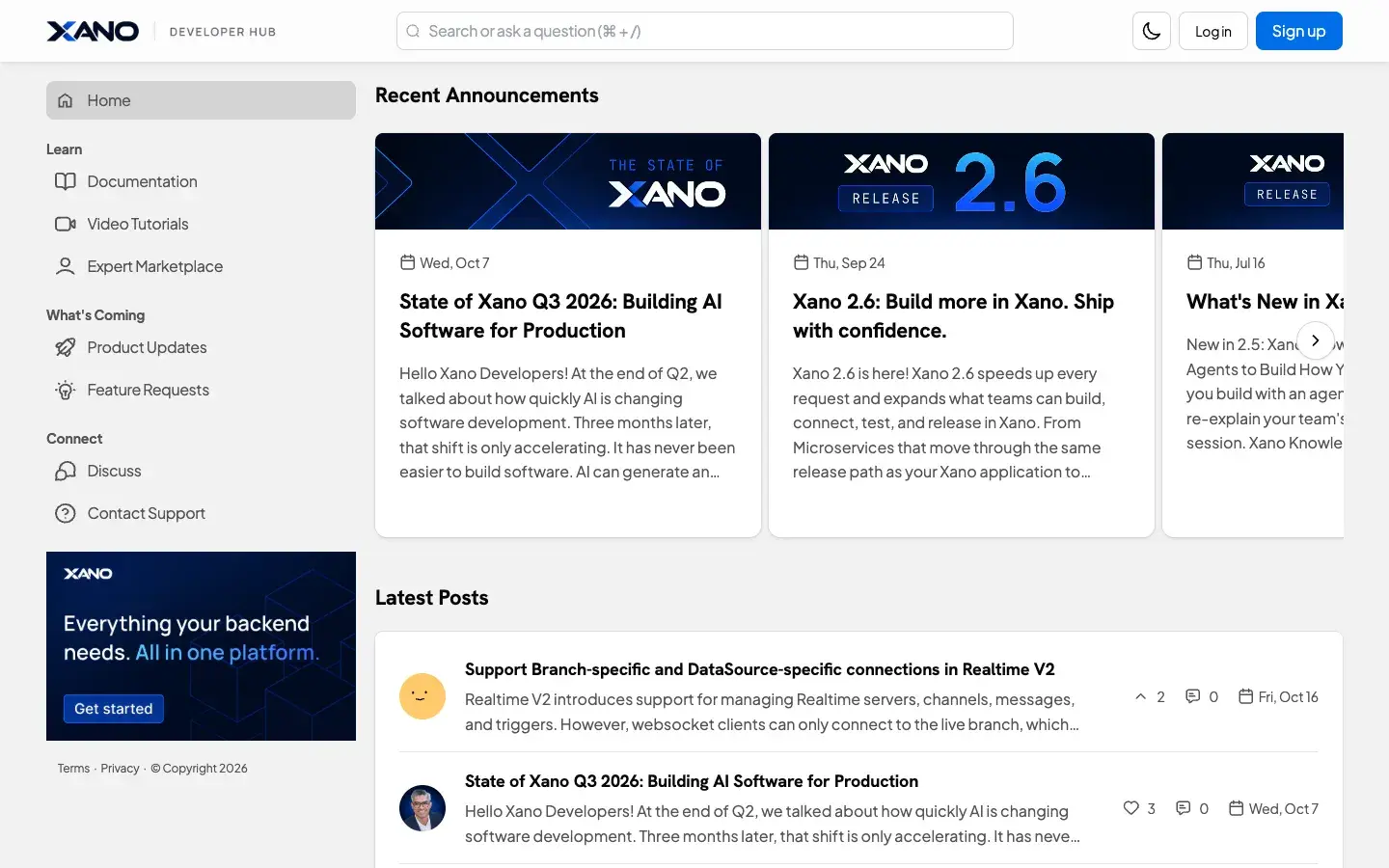
What’s New runs down the home page, one change at a time with the reason it matters. Deleted teams now go to a Recycle Bin an administrator can restore from. Secrets used in scripts get their own page under workspace administration. And the SmartSuite MCP server makes a workspace reachable from any MCP-compatible AI assistant.
Product Feedback is the other half. The space asks members to add feature requests, vote and comment, and says plainly that the future of the product is shaped by it. SmartSuite’s story adds beta testing programs, where members try features before they’re released.
 Owned answers and AI visibility
How-to answers anyone can find
General Questions is where members ask how to get something done, like copying fields from one table to another or showing date-range jobs from several solutions on one calendar. The team feeds it too, with a Tip of the Month, a Feature of the Month and Template Teardowns, after promising something new in the community every week.
Members trade their own fixes in Show and Tell, from calculating decimal hours on a timesheet to connecting SmartSuite with Fillout, Calendly or QuickBooks. All of it is readable without signing in, so the answer is there for the next person who searches.
-
General Questions
How-to threads from members, answered in public.
-
Tips and teardowns
Monthly tips, featured features and template walkthroughs from the team.
-
Show and Tell
Members share the workflows and integrations they built.
-
Developer Forum
A space for the people building on SmartSuite.