






 Owned answers and AI visibility
Support in the open, in the languages users write in
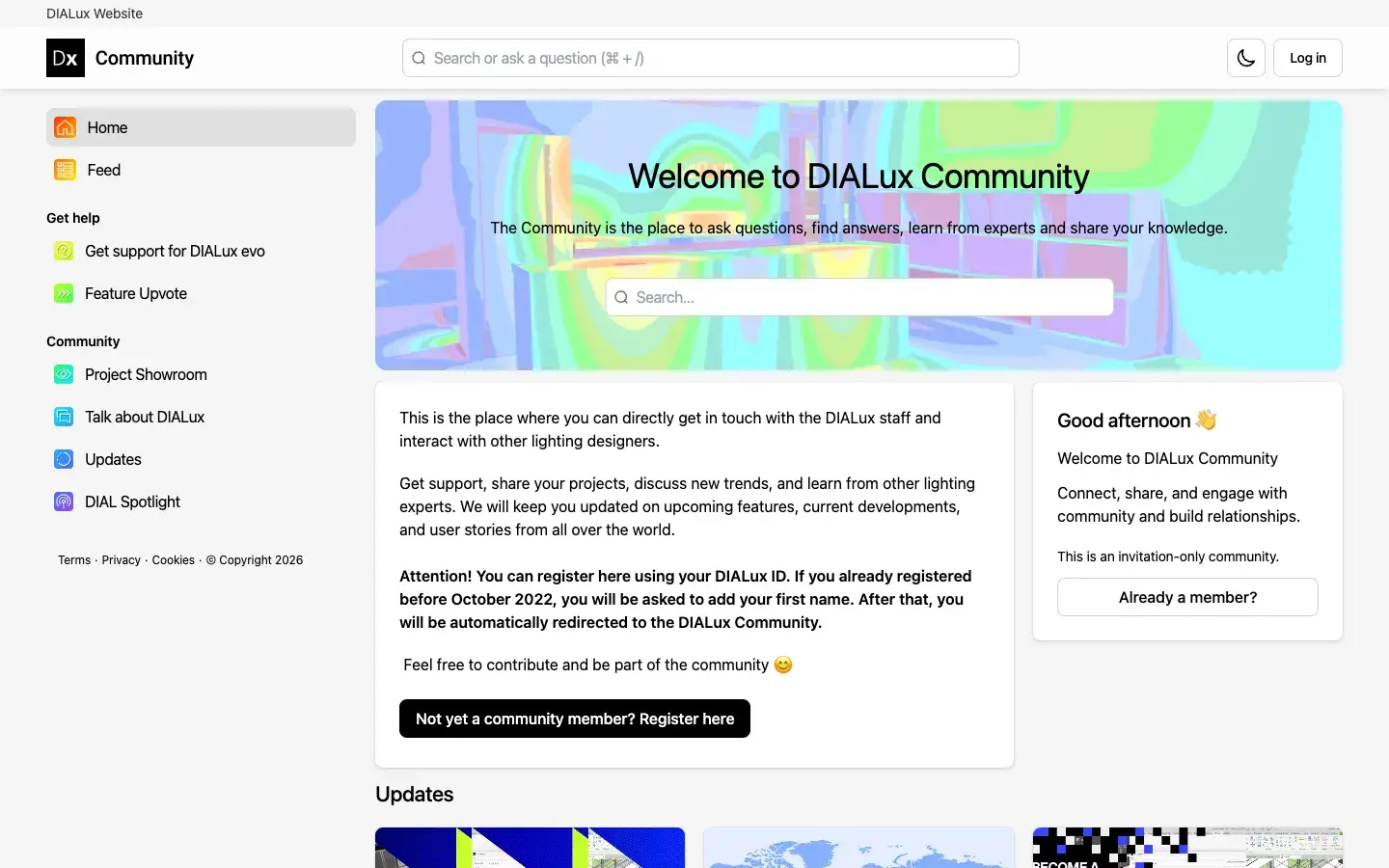
DIALux has more than 750,000 users around the world, and it set out to make lighting design resources available across 26 languages. Get support for DIALux evo is where that shows. Members post a question with the details the support form asks for, and it stays marked Unresolved until it’s answered, then Resolved. Questions come in German and Italian as well as English.
DIALux staff answer in the thread, in public. When a member couldn’t load an IFC file into DIALux evo, a staff member replied a few days later and asked for the source files to check. The same space links the FAQ, the knowledge base, the support team and free video tutorials, so self-service and a person are both a click away.
-
Get support
Questions marked Resolved or Unresolved, open to every visitor.
-
Staff in the thread
DIALux staff reply where members ask, so the answer stays public.
-
FAQ and knowledge base
Self-service articles linked from the support space.
-
Many languages
Members ask in the language they work in.
 Product launches
Users vote, and the roadmap answers in the same place
Feature Upvote asks one question: what should the next versions of DIALux evo do? Members post ideas, tag them by area, like workflow or data interfaces, and upvote the ones they want. Each idea shows where it stands: Planned, In progress or Delivered. Copy and paste in any view, hiding and showing objects, IFC export and obtrusive light calculations are all marked Delivered.
Updates is where the team closes the loop. When DIALux evo 13 shipped obtrusive light calculations in the free version, the team posted it in the community with a short video on how to use it. The Bridge for Revit, which moves lighting data between DIALux and Autodesk Revit in both directions, was announced there after the team recruited beta testers in the same space. Another post previews sports and floodlighting design, the area two In progress ideas on the board ask for.
-
Feature Upvote
Members post ideas, tag them and vote, sorted by trending or latest.
-
Status on every idea
Planned, In progress or Delivered, visible to the people who asked.
-
Beta testers
Beta calls aimed at the users who’ll rely on the feature.
-
Updates
New features, previews and survey results from the DIALux team.
 Events that keep working
DIAL Spotlight brings industry voices to the community
DIAL Spotlight is a talk series with its own space. Each episode gets a post with the guest, the topic and a save the date, and the post stays open for members to discuss. Posts have announced an episode on artificial light at night with Artem Masorin from VDE and one on AI in lighting design with Flynn Talbot, a lighting designer and founder of Kelvin AI.
 Retention and expansion
Courses and trainers for every level
Learning sits on the home page. A Learn DIALux and Lighting Design row lists online courses, from an expert course in lighting design to DIALux evo for advanced learners and emergency lighting to EN 1838, each with an RSVP link. An Updates post introduced DIALux’s worldwide network of certified trainers, for people who’d rather learn from someone nearby.
Lighting Design Practice is the space for the craft itself: members and DIALux trainers trade views on trends, and the team posts explainers such as how the RUF calculation for obtrusive light works. For a project that needs more than advice, Get help with a project connects members with lighting design experts.
-
Online courses
Beginner to advanced DIALux evo training, linked from the home page.
-
Certified trainers
A worldwide network for people who learn best in person.
-
Lighting Design Practice
Discussion and explainers on the craft, beyond the software.
-
Expert help
Members matched with lighting design experts for project support.